ZFDataGrid table width
I am using zfdatagrid to display a table in a Zend application. How do I set the width of the table? I cannot find any settings in grid.ini.
public function displaytemptableAction()
{
$config = new Zend_Config_Ini(APPLICATION_PATH.'/grids/grid.ini', 'production');
$db = Zend_Registry::get("db");
$grid = Bvb_Grid::factory('Table',$config,$id='');
$grid->setSource(new Bvb_Grid_Source_Zend_Table(new Model_DbTable_TmpTeamRaceResult()));
//CRUD Configuration
$form = new Bvb_Grid_Form();
$form->setAdd(false)->setEdit(true)->setDelete(true);
$grid->setForm($form);
$grid->setPagination(0);
$grid->setExport(array('xml','pdf'));
$this->view->grid = $grid->deploy();
}
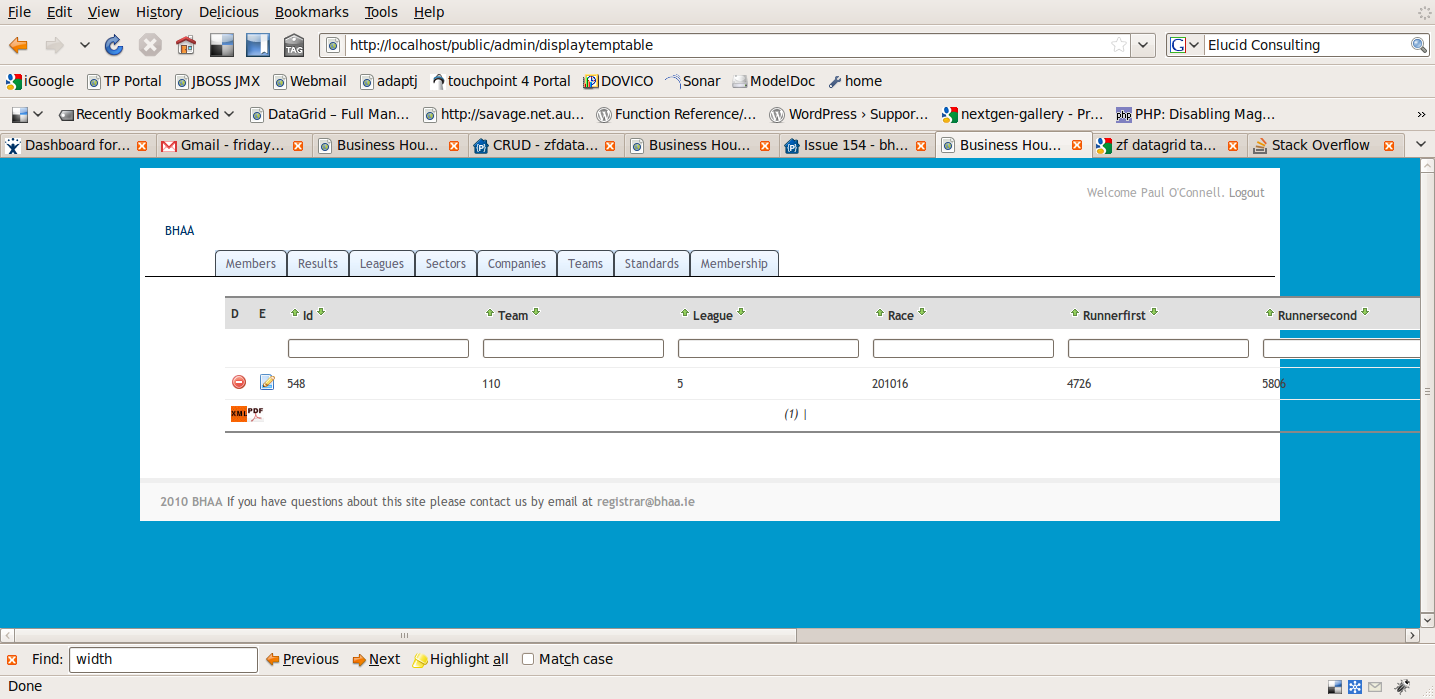
+2
a source to share